
Visible consistency
The same language on the website, the system and the app, reinforcing the brand on every screen.
Design System
A foundation of rules, components and documentation so your team can make decisions with more clarity and create new screens in the same language. The scope can include Figma, code or both.
Colors
Scales from 50 to 900, with contrast validated for text and interface.
Semantic
feedback.successfeedback.warningfeedback.dangerfeedback.infoType scale
Buttons, variants and states
Every component is born with all its states defined.
Fields
Button
StableTriggers an action. Use one primary button per decision area.
variantprimary · secondary · ghost · dangerprimarysizesm · md · lgmdloadingtrue · falsefalseA design system is the set of rules and reusable pieces that define how your product looks and behaves. Instead of redesigning buttons and forms on every screen, the team assembles interfaces from pieces that have already been tested.
The same language on the website, the system and the app, reinforcing the brand on every screen.
New screens ship faster, with less rework between design and development.
Contrast, focus and states defined once and inherited by every component.
Names and rules aligned in Figma and in code to make implementation and maintenance easier.
A color or spacing change made in the token reaches every component and screen that uses it. That's what keeps a product consistent as it grows.
FoundationColor, typography, space, radius, shadow and motion, with clear names.
PiecesButton, field, select, card, modal and toast, each with variants and states.
CombinationsForms, tables, navigation, feedback and empty states solved once.
ProductDashboard, sign-up, checkout and onboarding assembled from the pieces above.
Change the token at the top and the change flows down, on its own, to the last screen.
A design system only works if it's used. That's why the process ends with the pieces applied to real screens and the team trained.
Inventory of existing screens, inconsistencies, duplicated components and the team's needs.
Color, typography, spacing, radius, shadow and motion tokens, with validated contrast.
Pieces with variants and states: default, hover, focus, disabled, error and loading.
Usage rules, do and don't examples, accessibility and a contribution guide.
Applied to real screens, team training and a system maintenance routine.
The price follows the hours of work, which depend on the number of components and where they will live. The breakdown below shows a typical project; the real scope is defined in the audit. Prices in US dollars.
About 68 hours of work. More components, themes or brands mainly increase the components share.
Base tokens and components for a product that is starting to grow.
Between 30 and 45 hours of work.
Documented Figma and code for the whole team to use.
Where the typical $1,200 project fits.
Hours reserved every month to evolve the system and the product's screens.
20 hours for $400 or 40 hours for $680.
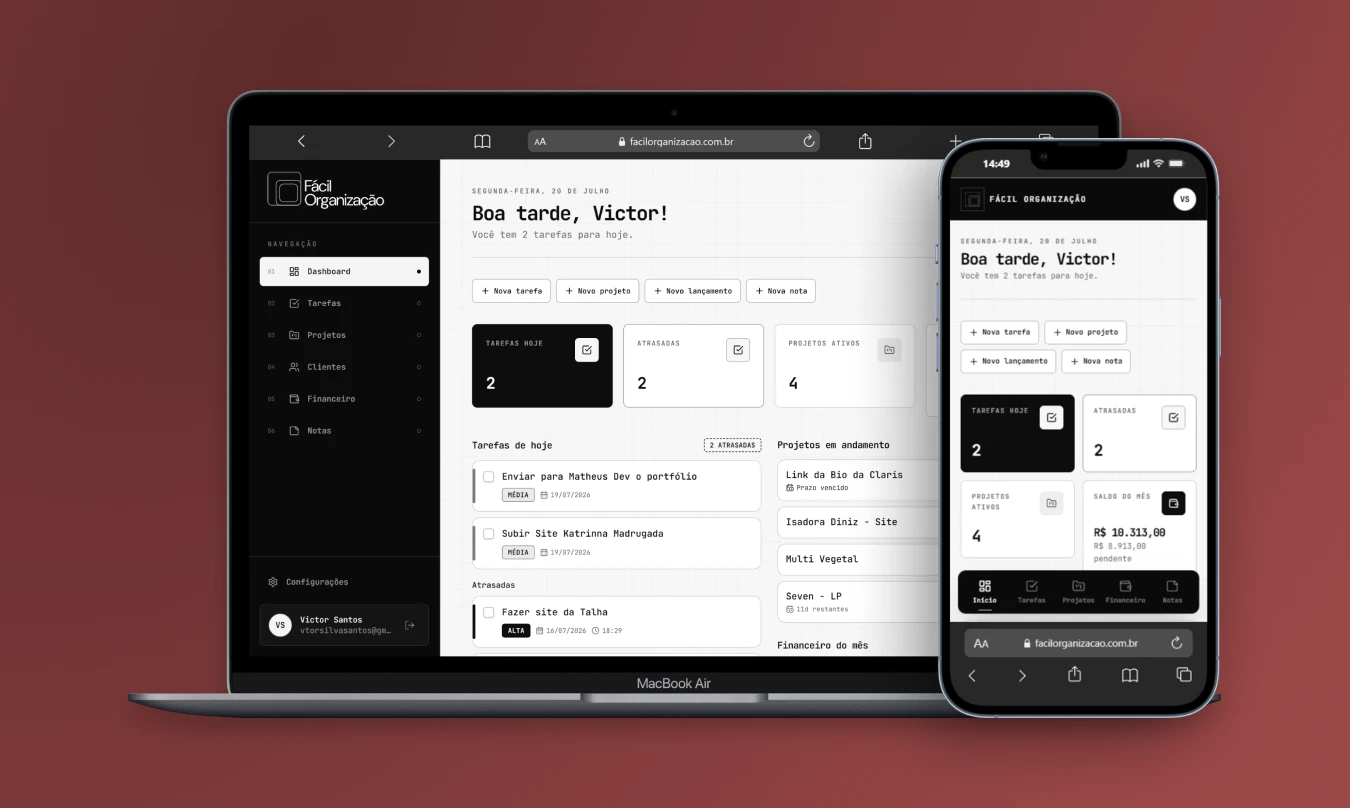
Delivery includes contribution rules, versioning and a changelog. The team knows how to propose a new component and how to update an existing one without breaking what already works.
Figma files and repository stay in your company's account.
For products that ship screens every week and need the system to keep up.
A typical project, with about 25 components in Figma and code, comes to around $1,200. Foundation ranges from $540 to $810; Product system, from $1,100 to $1,600; and the ongoing partnership costs from $400 to $680 per month.
No. A small product with a well-built foundation grows without piling up inconsistencies. The Foundation tier exists precisely for those just starting out who want to avoid rework later.
Both are possible. Foundation is delivered in Figma; Product system includes the components in code (React and CSS), with the same names and tokens as in Figma.
Yes, and that's the most common case. The audit starts from the current screens, keeps what works and consolidates what's duplicated, without requiring the product to be rebuilt from scratch.
A brand guide defines the logo, colors and tone of voice. A design system turns that into ready-to-use interface pieces, with states, behavior rules and code.
Tell me the size of the product, who designs and who develops. The conversation helps identify inconsistencies and the component scope to estimate the work.
 Strategy, design and development for your business.Reference prices · October 2026